
01
Capture on the phone
Tap once. Narrate the procedure. Tap the shutter when a step needs a photo. The phone aligns each photo with what you said and drafts the SOP for you.
Android · Italiano + English
sopmodo turns a narrated walk-through on the factory floor into a polished Standard Operating Procedure. Photos line up with your voice. Steps get drafted. Exports look the same on the phone, on the web, and on paper.
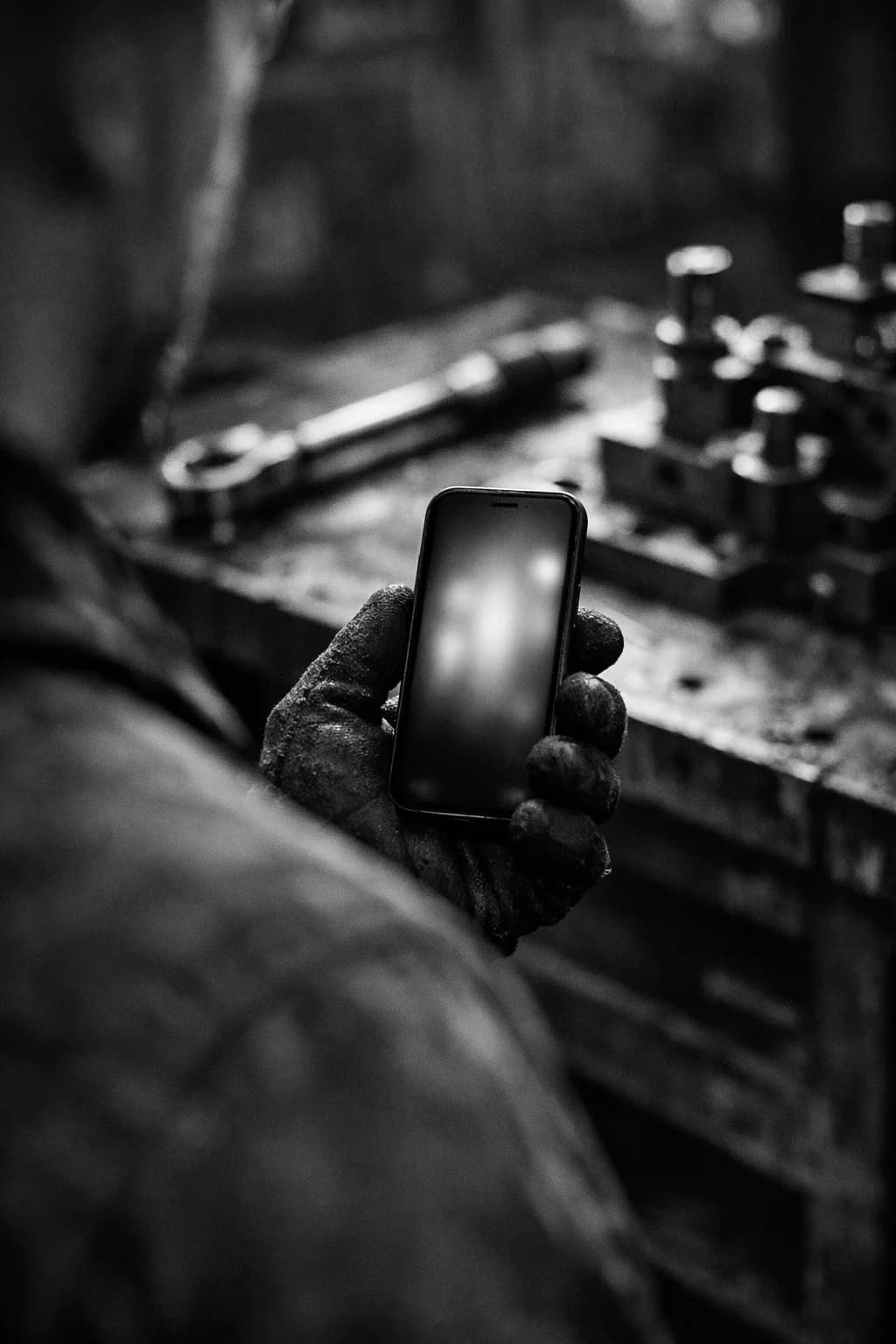
Where it actually happens
“A shutter where your thumb already is. An audio bar at the bottom of the screen, because you can’t see the top with gloves on.”
The phone never has to leave your hand. The interface is designed for one-handed use on a noisy floor, between a fixture jig and the next step on the line. Sopmodo holds the camera so you can hold the wrench.
FIG. 3 · The dashboard
Every SOP your team records on the phone lands in the web dashboard. Browse the whole library, open a procedure, tighten a sentence the AI got wrong, mark up a photo with a highlighter or an arrow, set a cover image, invite a new member to the org. The phone is the camera; the web is where the document gets sharpened before it goes out.
sop-2410-018 · ready
Mount calibration jig
Seat the jig onto the press plate, then torque the M8 bolts to 4.5 Nm in a star pattern.
Run autocal sequence
Press AUTO on the controller and log the offsets reported on the readout.
How it works · in three moves
Built for noisy floors, gloved hands, and reviewers who do not have time to clean up a transcript.
Tap once. Narrate the procedure. Tap the shutter when a step needs a photo. The phone aligns each photo with what you said and drafts the SOP for you.
Open the dashboard, see every SOP your team has captured, edit step text, annotate or highlight photos, set a cover. Members edit their own; admins see the whole library.
Export as a PDF or DOCX with the cover page, four steps per page, alternating image and text. Same layout on the phone, on the web, and on paper.
Why sopmodo
The phone is for the people doing the work. The dashboard is for the people checking it. Same SOP on both screens, same export when it comes off the printer.
Works one-handed
Shutter at the bottom of the screen, audio bar live, photos roll in as you talk.
Identical exports
PDF and DOCX share one layout engine. What you print matches what you signed off.
Org-scoped access
Admins invite members. Members only edit what they author.
No vendor lock-in
Your audio, photos, and SOPs export plain. Postgres rows out, S3 keys out.
Pricing · two lines, no fine print
Pay per person for access, and per thousand credits for the AI that turns your voice into a procedure. That’s it.
One price for one person, everywhere. Capture on the Android app, review and export on the web. No tiers, no feature gates.
Transcription and step-drafting run on credits. Buy a pack, draw it down as you record. Pay only for what the AI actually does.
Worked example · a 5-person crew
Five operators each get a seat. They share one pool of AI credits for the month, enough to draft dozens of SOPs from voice before the pack runs dry.
Request accessFAQ · the short answers
Still unsure about something? Sign in and try it, or reach out before you roll it out to your crew.
Ready when you are
Leave your name and email and we’ll set you up with access. Already on board? Sign in to view your SOPs.